
Contactless donations for your Fundraising Page
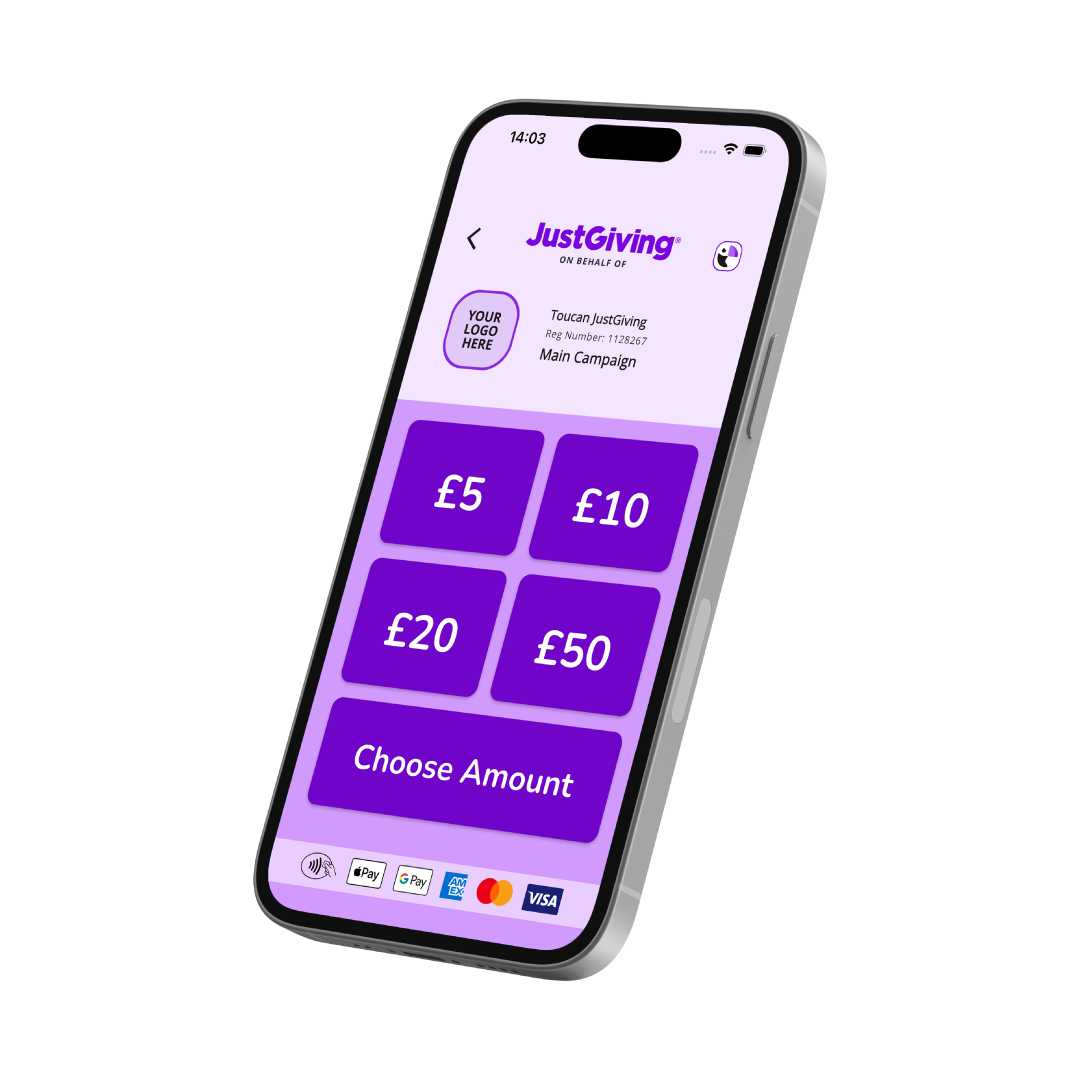
Toucan JustGiving is a fundraising app that turns a compatible smartphone into a way to collect contactless donations in person. Supporters tap to give, the donation is paid through JustGiving, and it’s added to your Fundraising Page total. It’s free to download and free to connect to your page.
Bake sale, bucket collection, charity quiz night or village fete: plenty of generosity happens face to face. Now there’s a simple way to capture it.
How do I collect contactless donations with Toucan JustGiving?
-
Download the app. Toucan JustGiving is available on the App Store and Google Play.
-
Create your account. Register in the app and set up your profile.
-
Connect your Fundraising Page. Search for your page in the app and link it to your account.
-
Start collecting. Once you’re connected, you can take secure contactless donations from your phone.
Supporters can make tap to pay donations with a card, phone or smartwatch. For more detail, see our help article.
Where can I use it?
Anywhere you’re collecting in person: a bake sale, a charity quiz night, a village fete or the finish line of your sponsored event. There’s no extra hardware to buy or carry, so you can accept donations on your phone wherever you are. It works like a digital donation box, and it’s built for face to face fundraising.
If you’re collecting money for charity at a stall or with a bucket, you’ll need mobile signal or Wi-Fi to process each donation. It’s worth checking your connection before you head somewhere with patchy coverage.
Already collecting cash? You can add money you’ve raised offline to your page too.

Is Toucan JustGiving free for fundraisers?
Yes. It’s free to download the app and free to connect your Fundraising Page.
Here’s how the donation side works, so you can explain it to supporters. When someone donates, they’re invited to add a voluntary contribution to help keep the app free. If they add one, the charity receives 100% of their donation. If they choose not to, a small amount is taken from the donation before it’s paid to the charity. The amount depends on the size of the donation:
Donation & Amount taken if no voluntary contribution is added:
£9.99 or lower
50p
£10.00 to £19.99
£1
£20.00 to £49.99
£2
£50.00 and above
£5
For example, if someone gives £10 and doesn’t add a voluntary contribution, £1 is taken and the charity receives £9.
Ready to collect contactless donations?
Download the app, connect your page and take your fundraising off the screen and into the room.
Download on App Store Download on Google Play
Are you a charity?
Contactless donations: your questions answered
Toucan JustGiving works with Fundraising Pages for people fundraising on behalf of, or in aid of, a charity.
You’ll need a compatible smartphone.
Yes. After donating, supporters can scan a QR code on the confirmation screen to add Gift Aid to eligible donations.
Contactless donations usually appear on your Fundraising Page within 24 hours.
JustGiving can’t process refunds for donations made through this payment method at the moment. If a donor needs one, they’ll need to contact the charity directly. Our refunds help article has more information.
Create a Fundraising Page
Create your fundraising page in minutes and start making a difference today.